
Online Therapy
Video Therapy for Seniors: A Simple Setup Guide for Patients and Families
By Total Life · July 7, 2026
Video therapy for seniors requires just three things: a device with a camera (any smartphone, tablet, or computer), an internet connection, and the ability to tap a link. With a senior-focused practice there's no app to download and no account to create, a link arrives by text or email, one tap opens the session. And if video ever feels like too much, Medicare permanently covers phone-only therapy too.
Check My Medicare Coverage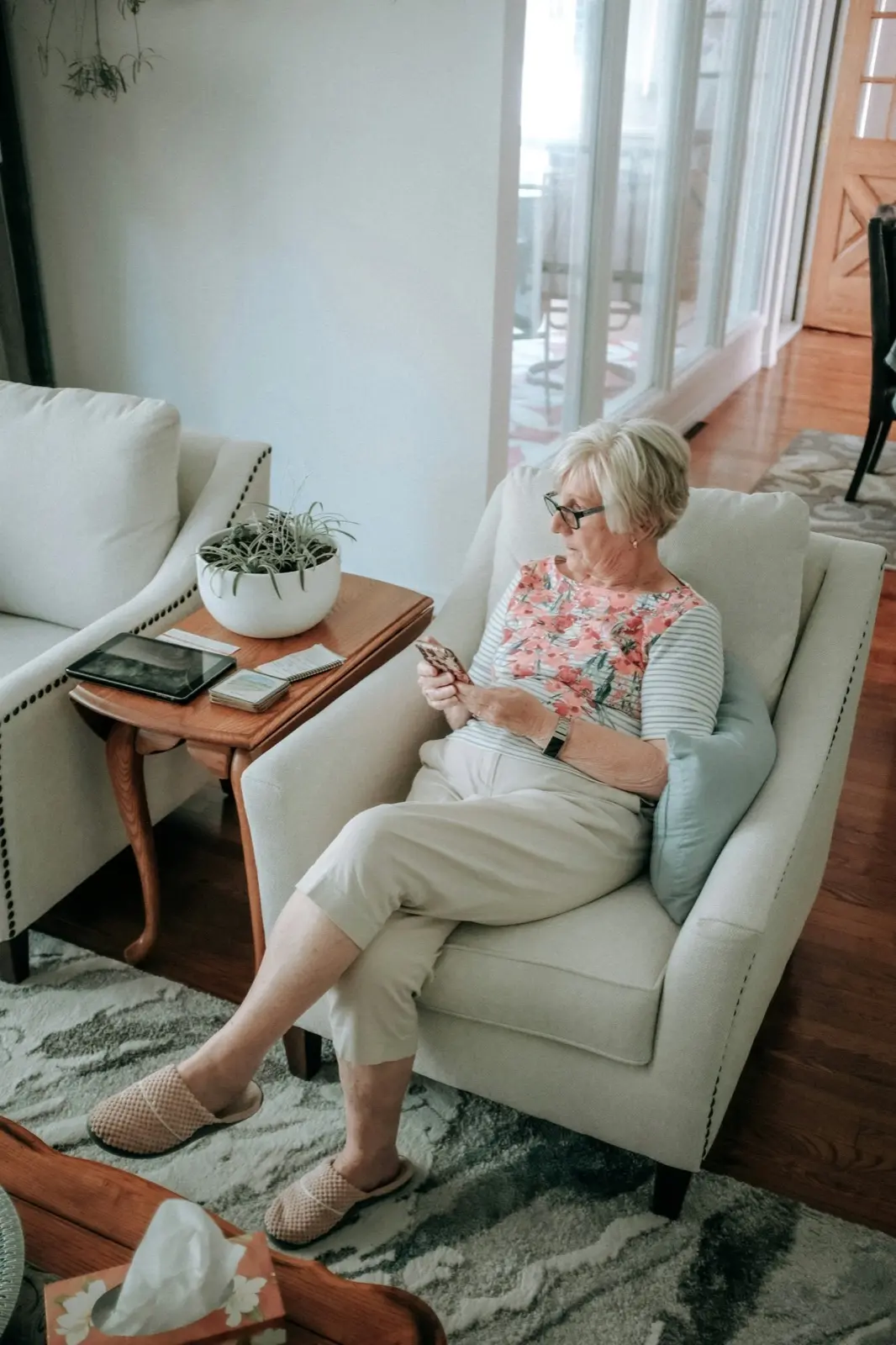
What you need (and what you don't)
This is the practical guide, for the senior doing it and the family member helping, to make the first video session effortless.
You need:
- Any one device: smartphone, tablet, laptop, or desktop with a camera and microphone (built into virtually everything made in the last decade)
- Internet: home Wi-Fi or a phone's cellular data
- The session link, sent by text or email
You do NOT need (with a well-designed practice): app downloads, usernames, passwords, accounts, or any software installation. If a platform demands those, that's a platform choice, senior-focused practices like Total Life use a single tap-to-join link.
Five-minute setup, step by step
- Choose the spot. A comfortable chair, decent light on your face (face a window rather than sitting in front of one), and privacy for an hour.
- Charge the device or plug it in, video uses battery.
- Sound check. Hearing aids in if you use them; or plug in earbuds/headphones, which often make speech clearer than the device speaker.
- Find the link in your text messages or email a few minutes early. Tap it. When the browser asks to use your camera and microphone, tap Allow, that permission is what makes the session work.
- You're in. Your therapist appears; adjust volume with the buttons on the side of your device.
For family helping remotely: do one practice run a day early, send a video link yourself (any video call works) and rehearse the single tap. Confidence, more than capability, is usually the hurdle.
Most Total Life patients pay $0 out of pocket.
Covered by Medicare. Licensed therapists who specialize in adults 65+. Matched within 48 hours.
Get StartedQuick fixes for the common hiccups
- "I can't hear them." Volume buttons up; check the device isn't muted; try earbuds.
- "They can't hear me." The microphone permission was likely declined, close and re-tap the link, then tap Allow.
- "The picture froze." Move closer to the Wi-Fi router, or switch to cellular data. If it persists, the therapist simply calls you and the session continues by phone, no session is ever lost to technology.
- "I tapped the link and nothing happened." Try again, or forward it to a different device. The practice's care team can walk you through it live.
Why bother with video (vs. phone)?
Both are fully covered and clinically valid, trials show even telephone-delivered CBT reduces anxiety and depressive symptoms in adults 60+ (PMC). Video adds facial expression and lip-reading visibility (helpful with hearing loss), and some people bond faster face-to-face on screen. Medicare permanently covers behavioral health telehealth at home either way, video, or audio-only when video isn't workable or preferred, at 20% after the Part B deductible, typically $0 with Medigap or Medicaid (Telehealth.HHS.gov).
The right answer is whichever you'll relax into. Many Total Life members start by phone and add video later; others do the reverse. Sessions come with live human support either way, a real person helps before and during if anything glitches. Get set up at totallife.com.
Common questions
Frequently asked questions
What does a senior need for video therapy? +
Is video therapy hard for elderly people? +
Does Medicare cover video therapy at home? +
What if the video fails mid-session? +
Do hearing aids work with video therapy? +
Can a family member sit in? +
This article is educational and not a substitute for professional care. If you or someone you love is thinking about suicide, call or text 988 (Suicide & Crisis Lifeline), it's free, confidential, and available 24/7. This is a sensitive topic; if you're personally struggling, help is available and treatment works.
Sources: NIH / NCBI | HHS Telehealth